Back to all articles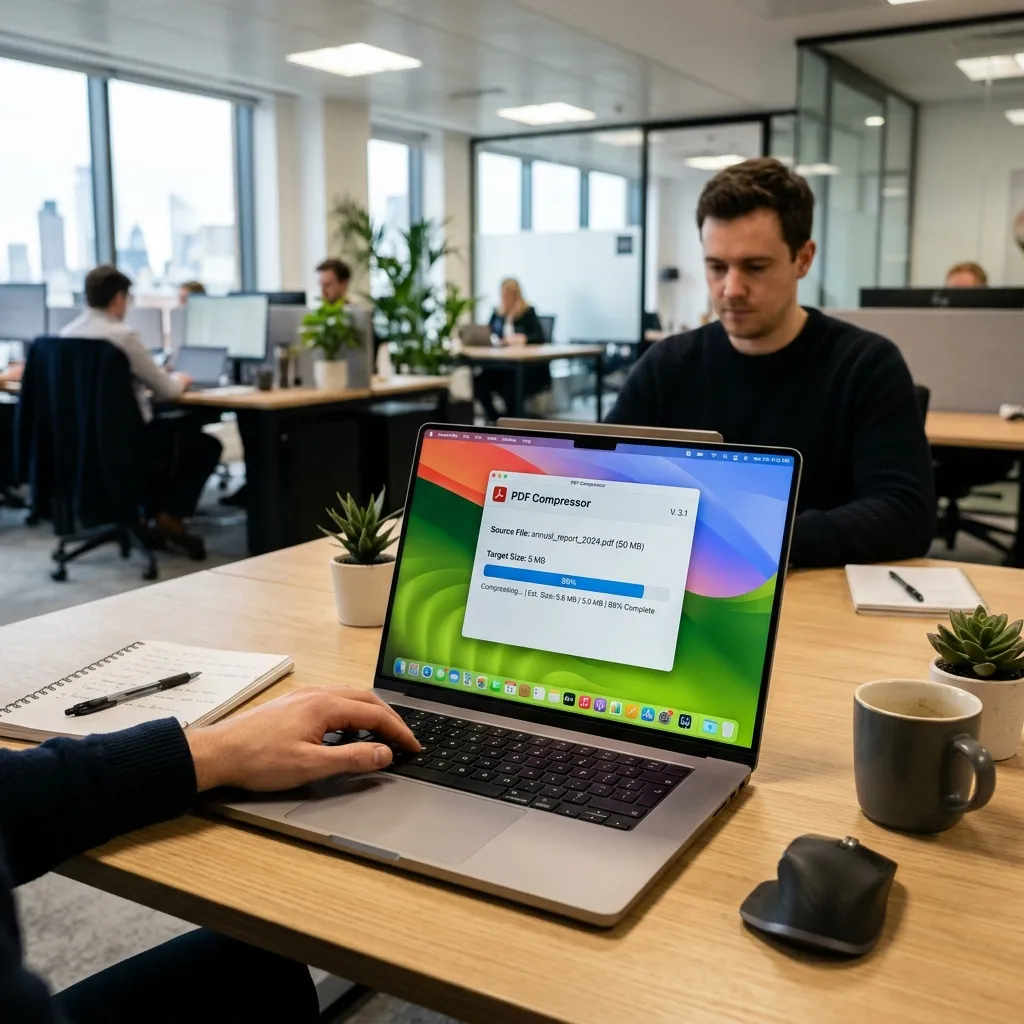
OptimizationTutorial
Compress PDF Without Losing Quality
P
Performance Engineering
June 5, 2026
8 min read
A definitive guide to reducing PDF file sizes for email and web while preserving crisp text and high-resolution images.
Large PDF files can be frustrating. They take longer to upload, consume more storage space, and are often rejected by email services due to attachment size limits.
Whether you're sending contracts, reports, presentations, invoices, or scanned documents, learning how to reduce pdf file size is often necessary.
However, many users worry about one thing:
Will compressing a PDF reduce its quality?
The good news is that modern PDF compression techniques can significantly reduce pdf size without quality loss while maintaining excellent readability and visual quality.
In this guide, you'll learn how PDF compression works, why file sizes become large, and how to compress pdf without losing quality securely in your browser.
  <h2>Why PDF Files Become Large</h2>
  <p>Not all PDFs are created equal. A simple text-based PDF may only be a few hundred kilobytes, while a document containing high-resolution images can easily exceed 50 MB or even 100 MB.</p>

  <p>Common reasons for large PDF sizes include:</p>

  <div class="row g-4 my-4">
    <div class="col-md-6">
      <div class="p-4 border rounded-4 bg-light h-100">
        <h3 class="h5 fw-bold">High-Resolution Images</h3>
        <p class="text-muted small mb-0">The most common cause. Many PDFs contain images captured by smartphones, DSLR cameras, or scanners. These images often have much higher resolution than necessary for document viewing.</p>
      </div>
    </div>
    <div class="col-md-6">
      <div class="p-4 border rounded-4 bg-light h-100">
        <h3 class="h5 fw-bold">Embedded Fonts</h3>
        <p class="text-muted small mb-0">PDF files sometimes include complete font families. This increases compatibility but also massively increases file size.</p>
      </div>
    </div>
    <div class="col-md-6">
      <div class="p-4 border rounded-4 bg-light h-100">
        <h3 class="h5 fw-bold">Scanned Documents</h3>
        <p class="text-muted small mb-0">Scanned PDFs often contain unoptimized image-based pages instead of text. You can use an <a href="/ocr-pdf">OCR PDF</a> tool to convert these to text and lower the file size.</p>
      </div>
    </div>
    <div class="col-md-6">
      <div class="p-4 border rounded-4 bg-light h-100">
        <h3 class="h5 fw-bold">Excess Metadata</h3>
        <p class="text-muted small mb-0">Many PDFs contain hidden metadata such as author information, editing history, and software details. This extra information contributes to larger files.</p>
      </div>
    </div>
  </div>

  <h2>What Does PDF Compression Do?</h2>
  <p>PDF compression optimizes a document by reducing unnecessary data while preserving its appearance.</p>
  <p>Compression techniques may include:</p>
  <ul>
    <li>Image optimization and downsampling</li>
    <li>Metadata cleanup</li>
    <li>Font optimization and subsetting</li>
    <li>Object stream compression</li>
    <li>Resource deduplication</li>
  </ul>
  <p>The goal is to make the file smaller without changing how it looks to the user.</p>

  <h2>Can You Compress a PDF Without Losing Quality?</h2>
  <p>Yes. In many cases, PDFs can be reduced by 20–70% without noticeable visual degradation.</p>
  <p>The key is using intelligent compression instead of aggressive compression.</p>

  <div class="row g-4 my-4">
    <div class="col-md-6">
      <div class="p-4 border border-success rounded-4 h-100 bg-success bg-opacity-10">
        <h3 class="h5 fw-bold text-success"><i class="bi bi-check-circle-fill me-2"></i>Good Compression</h3>
        <ul class="mb-0 text-dark">
          <li>Maintains readability</li>
          <li>Preserves document structure</li>
          <li>Keeps text sharp</li>
          <li>Retains image clarity</li>
        </ul>
      </div>
    </div>
    <div class="col-md-6">
      <div class="p-4 border border-danger rounded-4 h-100 bg-danger bg-opacity-10">
        <h3 class="h5 fw-bold text-danger"><i class="bi bi-x-circle-fill me-2"></i>Excessive Compression</h3>
        <ul class="mb-0 text-dark">
          <li>Blurry images</li>
          <li>Pixelation</li>
          <li>Reduced readability</li>
          <li>Poor print quality</li>
        </ul>
      </div>
    </div>
  </div>
  <p>The best PDF compressors strike a careful balance between size reduction and visual quality.</p>

  <h2>Benefits of Compressing PDFs</h2>
  <ul>
    <li><strong>Faster Sharing:</strong> Smaller files upload and download more quickly.</li>
    <li><strong>Easier Email Attachments:</strong> Many email providers limit attachment sizes. Compressed PDFs are easier to send.</li>
    <li><strong>Reduced Storage Usage:</strong> Smaller documents consume less storage space on your hard drive or cloud.</li>
    <li><strong>Faster Website Uploads:</strong> Compressed PDFs improve upload speeds for online forms and portals.</li>
  </ul>

  <h2>How to Compress a PDF Without Losing Quality</h2>
  <p>Using a <a href="/compress-pdf">secure pdf compression</a> tool is simple:</p>
  <ul>
    <li><strong>Step 1: Upload or Select Your PDF</strong> - Choose the PDF file you want to optimize.</li>
    <li><strong>Step 2: Choose Compression Level</strong> - Most tools offer options such as Low, Balanced, or Maximum Compression. For best results, choose a balanced option.</li>
    <li><strong>Step 3: Preview the Result</strong> - Review the file size reduction, document quality, and page readability.</li>
    <li><strong>Step 4: Download the Optimized PDF</strong> - Save the compressed version directly to your device.</li>
  </ul>

  <h2>Browser-Based PDF Compression</h2>
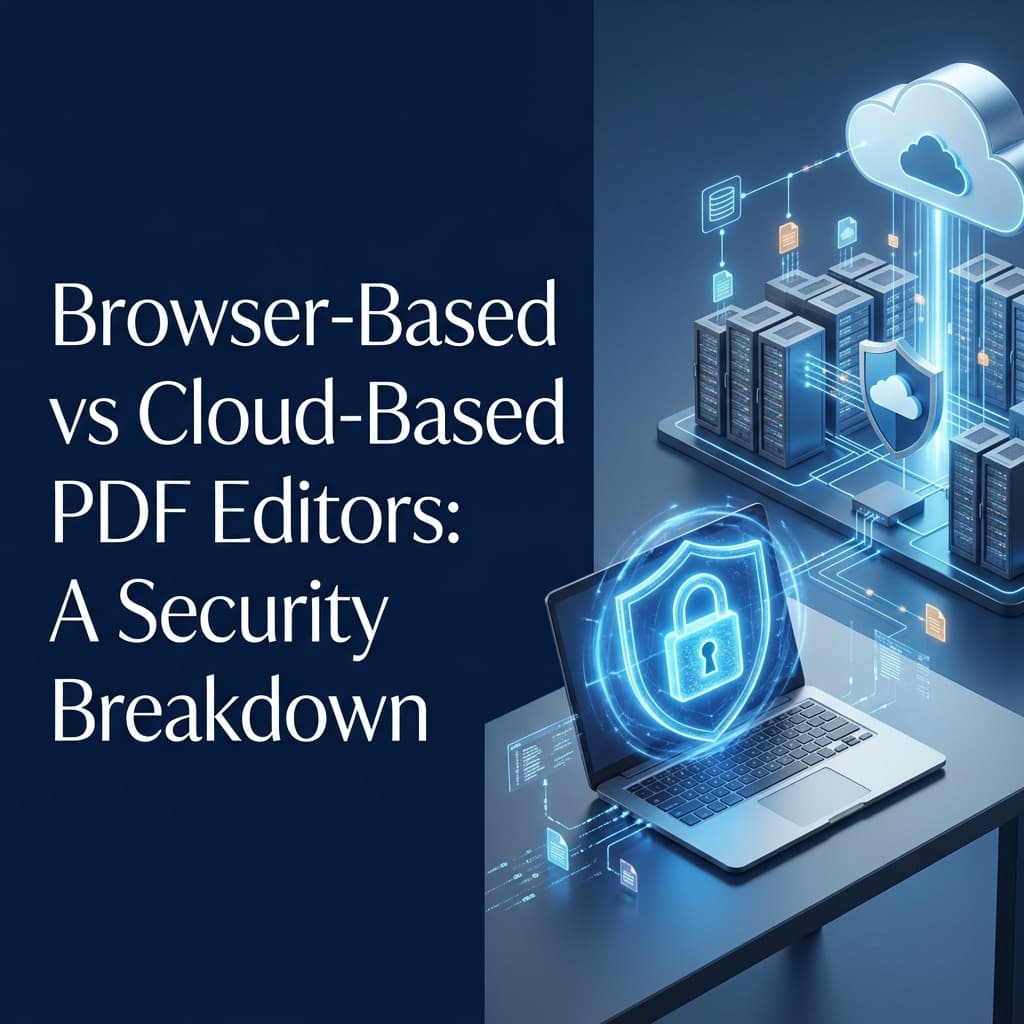
  <p>Modern browser-based PDF tools allow compression directly on your device rather than relying on a traditional <strong>pdf compressor online</strong> that uploads your files.</p>
  <p>This approach offers several advantages:</p>
  <ul>
    <li><strong>Better Privacy:</strong> Files remain on your device entirely.</li>
    <li><strong>Faster Workflow:</strong> No upload or download waiting time.</li>
    <li><strong>Improved Security:</strong> Sensitive documents are never transferred to external servers.</li>
  </ul>
  <p>For businesses and professionals handling confidential information, a <strong>browser based pdf compressor</strong> offers an unmatched advantage.</p>

  <h2>How Much Can PDF Compression Reduce File Size?</h2>
  <p>Results vary depending on document content.</p>
  <div class="table-responsive my-4">
    <table class="table table-bordered table-striped">
      <thead class="table-dark">
        <tr>
          <th>PDF Type</th>
          <th>Typical Size Reduction</th>
        </tr>
      </thead>
      <tbody>
        <tr>
          <td>Text-only PDFs</td>
          <td>10–30%</td>
        </tr>
        <tr>
          <td>Mixed Documents</td>
          <td>20–60%</td>
        </tr>
        <tr>
          <td>Scanned Documents</td>
          <td>30–80%</td>
        </tr>
        <tr>
          <td>Image-heavy PDFs</td>
          <td>40–90%</td>
        </tr>
      </tbody>
    </table>
  </div>
  <p>Actual results heavily depend on original image quality, embedded resources, and document structure.</p>

  <h2>Common PDF Compression Mistakes</h2>
  <ul>
    <li><strong>Choosing Maximum Compression:</strong> Extreme compression may create blurry images.</li>
    <li><strong>Compressing Multiple Times:</strong> Repeated compression can gradually reduce quality drastically.</li>
    <li><strong>Ignoring Original Quality:</strong> If the source document is already low quality, compression cannot improve it.</li>
    <li><strong>Not Reviewing Results:</strong> Always preview the final PDF before sharing it with a client.</li>
  </ul>

  <h2>When Should You Compress PDFs?</h2>
  <p>PDF compression is particularly useful when sending email attachments, uploading documents to websites, sharing reports with clients, archiving large document collections, or storing files in cloud services.</p>
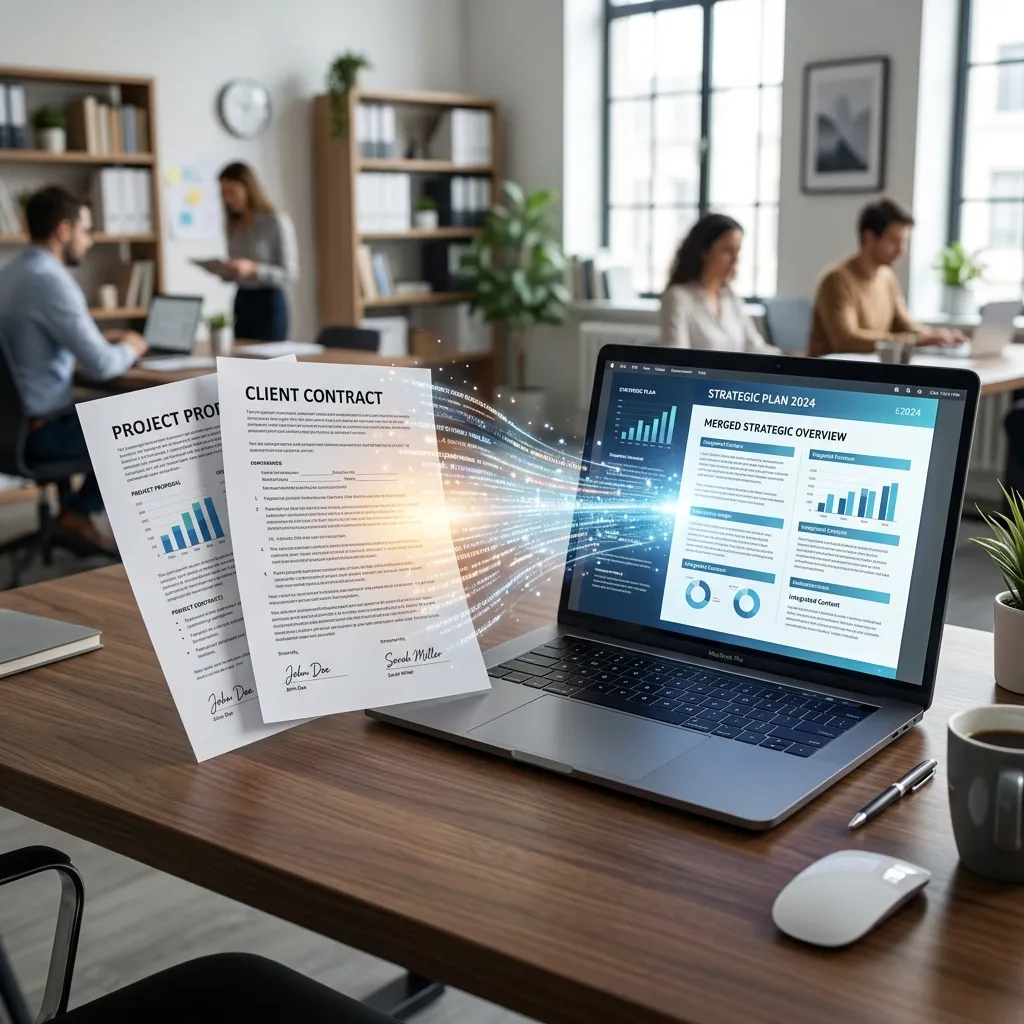
  <p>You can also combine tools for better workflows. For example, you can <a href="/merge-pdf">Merge PDF</a> files first, and then compress the final large package. Or you can <a href="/split-pdf">Split PDF</a> pages, compress them, and convert them to images using <a href="/pdf-to-images">PDF to Images</a>.</p>

  <h2>PDF Compression vs ZIP Compression</h2>
  <p>Many users confuse these two methods.</p>
  <ul>
    <li><strong>PDF Compression:</strong> Optimizes the internal structure of the PDF itself.</li>
    <li><strong>ZIP Compression:</strong> Wraps the PDF inside a ZIP archive.</li>
  </ul>
  <p>PDF compression usually provides better long-term results because the document itself becomes smaller and doesn't require extraction to view.</p>

  <h2>Frequently Asked Questions</h2>
  <div>
    <div class="mb-3 mt-4">
      <h3 class="h5 fw-bold">Does PDF compression reduce quality?</h3>
      <div>
        <p>Not necessarily. Modern compression methods can reduce file size significantly while preserving readability and appearance, allowing you to <strong>compress pdf without losing quality</strong>.</p>
      </div>
    </div>
    <div class="mb-3">
      <h3 class="h5 fw-bold">Can I compress scanned PDFs?</h3>
      <div>
        <p>Yes. Scanned PDFs often achieve some of the largest size reductions because the images can be downsampled heavily.</p>
      </div>
    </div>
    <div class="mb-3">
      <h3 class="h5 fw-bold">Is browser-based PDF compression secure?</h3>
      <div>
        <p>Yes. Browser-based tools process files locally on your device rather than uploading them to external servers, ensuring <strong>secure pdf compression</strong> for highly confidential documents.</p>
      </div>
    </div>
    <div class="mb-3">
      <h3 class="h5 fw-bold">Will compressed PDFs still print correctly?</h3>
      <div>
        <p>In most cases, yes. Balanced compression maintains excellent print quality, though maximum compression may reduce the sharpness of printed photos.</p>
      </div>
    </div>
    <div class="mb-3">
      <h3 class="h5 fw-bold">Can I compress PDFs for free?</h3>
      <div>
        <p>Absolutely. Many modern PDF tools like NoStorePDF allow you to <strong>compress pdf free</strong> directly from your web browser without usage limits.</p>
      </div>
    </div>
  </div>

  <h2>Best Practices for PDF Compression</h2>
  <p>To achieve the best results:</p>
  <ul>
    <li>Use balanced compression settings</li>
    <li>Keep a backup of the original file</li>
    <li>Preview the final document</li>
    <li>Avoid repeated compression</li>
    <li>Optimize images before creating PDFs</li>
  </ul>
  <p>If you are working with sensitive documents, don't forget to <a href="/protect-pdf">Protect PDF</a> files with a password, or <a href="/unlock-pdf">Unlock PDF</a> files before compressing them.</p>

  <h2>Final Thoughts</h2>
  <p>PDF compression is one of the easiest ways to improve document sharing, storage efficiency, and workflow productivity.</p>
  <p>The key is choosing a compression method that helps you <strong>reduce pdf file size</strong> without sacrificing readability or visual quality. Modern browser-based PDF tools make this process simple by allowing documents to be optimized directly on your device, reducing privacy concerns while delivering fast and effective results.</p>
  <p>For most users, a balanced compression approach provides the ideal combination of smaller files, faster sharing, and excellent document quality.</p>