QR Code Generator with Logo — Free, No Sign-Up
Have you ever scanned a plain black-and-white QR code and felt a slight hesitation before clicking the link? You aren't alone. As QR codes have become an everyday utility—from restaurant menus and business cards to event flyers and product packaging—users have grown more cautious about where those little pixelated squares lead.
Branding your QR code by adding a logo isn't just about aesthetics; it's about establishing trust. A QR code generator with a logo capability allows you to merge your brand identity seamlessly into your marketing materials. When people see a familiar logo, social media icon, or brand colors, their likelihood of scanning skyrockets.
In this comprehensive guide, we'll explain why branded QR codes matter, delve into the technical side of how they remain scannable even with an image placed right in the middle, and walk you through a step-by-step tutorial on using the NoStorePDF QR Code Generator. Best of all? It's 100% free, requires no sign-up, adds no watermark, and processes everything securely in your browser.
1. Why Branded QR Codes Matter
In today's fast-paced digital ecosystem, attention is scarce. You have a fraction of a second to convince a user to point their smartphone camera at your code.
Building Instant Recognition and Trust
When a QR code contains your brand's logo or a recognizable social media icon, it communicates professionalism and authenticity. Research indicates that branded QR codes can increase scan rates by significantly reducing the friction of uncertainty. Users are far more likely to scan a code that features an Instagram logo if they expect it to lead to an Instagram profile, or a company logo if it's on a business card.
Superior Aesthetic Integration
A generic QR code often clashes with carefully designed marketing collateral. A custom QR code with a logo allows you to align the colors, shapes, and overall vibe of the code with your brand's style guide. Instead of an ugly black-and-white box disrupting your brochure's design, the QR code becomes a cohesive design element.
Avoiding the "Bait and Switch" Fear
Security is a growing concern with QR codes. Scammers sometimes place malicious QR codes over legitimate ones in public spaces. A branded QR code with custom colors and a central logo is much harder to replicate or spoof quickly, giving your audience peace of mind that they are interacting with the genuine article.
2. The Technical Challenge: How Logos Don't Break Scannability
You might be wondering: If a QR code is just a matrix of data dots, wouldn't placing a logo in the middle overwrite the data and break the code?
The answer lies in a brilliant feature of the QR code standard known as Error Correction.
Understanding Error Correction Levels
QR codes use the Reed-Solomon error correction algorithm, which mathematically duplicates the data within the code so that it can still be read even if part of the code is obscured, damaged, or missing. There are four levels of error correction:
- Level L (Low): Restores ~7% of data. Best for simple codes with no logos.
- Level M (Medium): Restores ~15% of data. The standard for most general-use codes.
- Level Q (Quartile): Restores ~25% of data.
- Level H (High): Restores ~30% of data. The absolute necessity for QR codes with logos.
How Our Tool Handles This Automatically
When you use a generic QR tool to add a logo, you run the risk of breaking the code if the error correction isn't set high enough. If you try to overlay a large logo on a Level L code, the scanner will fail to read the data.
Our custom QR code generator eliminates this guesswork. The moment you upload a custom logo or select a social media preset, the tool automatically upgrades the error correction to Level H. This ensures that up to 30% of the QR code can be safely covered by your logo without affecting its scannability.
Furthermore, our tool includes a real-time Scannability Checker. It verifies the generated QR code against an internal scanner algorithm before you even click download, displaying a reassuring green "Scannable!" indicator so you can export with absolute confidence.
3. Step-by-Step Walkthrough: Creating Your Branded QR Code
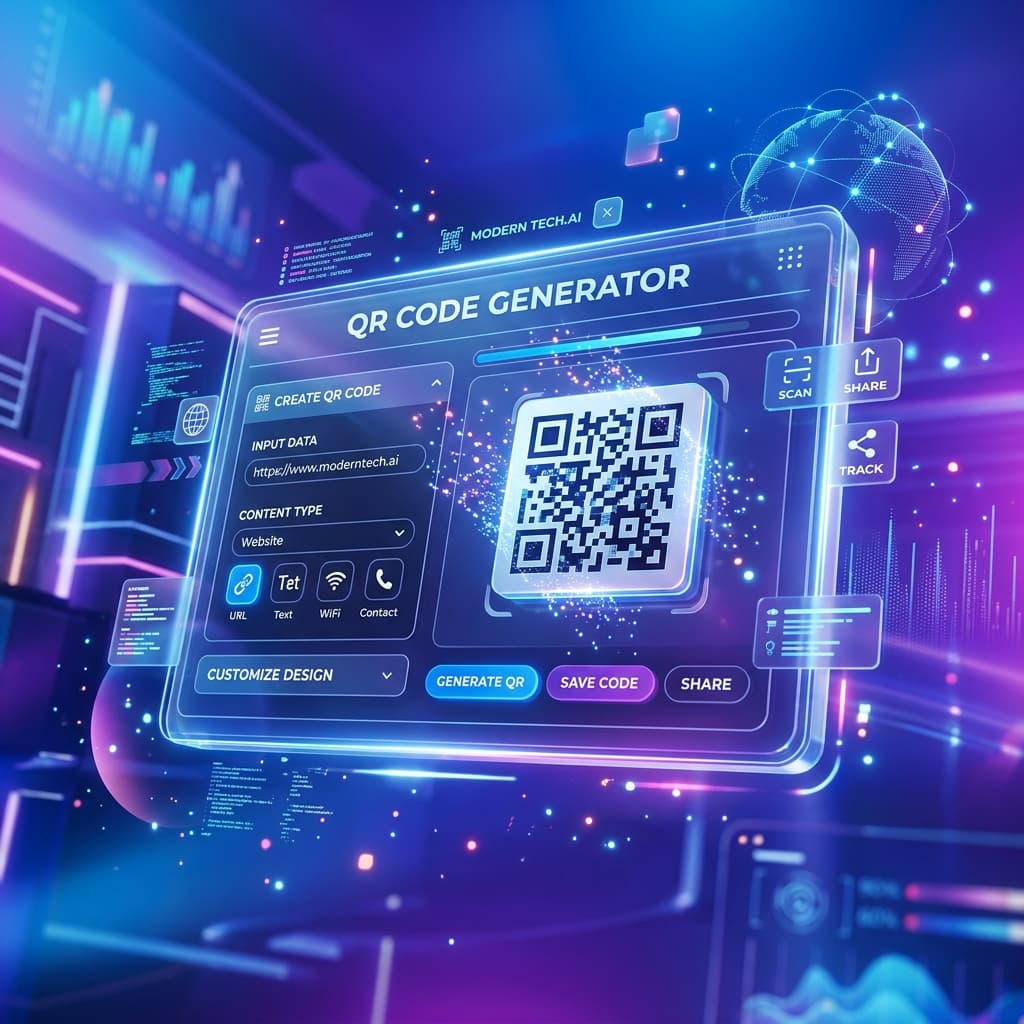
Ready to create your own? Our QR code generator with logo is incredibly robust, supporting 9 different content types and a wide array of styling options. Here is exactly how to do it.
Step 1: Choose Your Content Type
Most people think QR codes are just for website URLs. While that's the most common use case, our tool supports 9 distinct data types to suit any need:
- URL: Link directly to your website.
- Text: Display a plain text message.
- WiFi: Allow guests to join your network without typing a password (just scan and connect!).
- vCard: Share your digital business card directly to someone's contacts.
- Email, Phone, & SMS: Pre-fill communications instantly.
- Social & Event: Auto-format profiles or calendar invites.
Bonus Tip: The WiFi and vCard options are incredibly powerful for physical spaces like cafes, Airbnbs, or networking events.
Step 2: Enter Your Data
Depending on the type you selected, fill in the required fields. For example, if you chose vCard, you can enter your name, company, phone number, and email. The live preview on the right will update in real-time as you type.
Step 3: Add Your Logo
Scroll down to the "Customize & Advanced Options" accordion. Here you have two choices:
- Use a Built-in Social Preset: Clicking one of our presets (like Instagram, LinkedIn, or WhatsApp) will instantly place that icon in the center of your QR code. It will also automatically apply the brand's signature colors (e.g., Instagram's vibrant gradient) and optimal dot shapes!
- Upload a Custom Logo: Click the upload button to insert your own company logo. You can adjust the logo size using the slider. Remember, our tool will automatically bump the error correction to Level H to keep it safe.
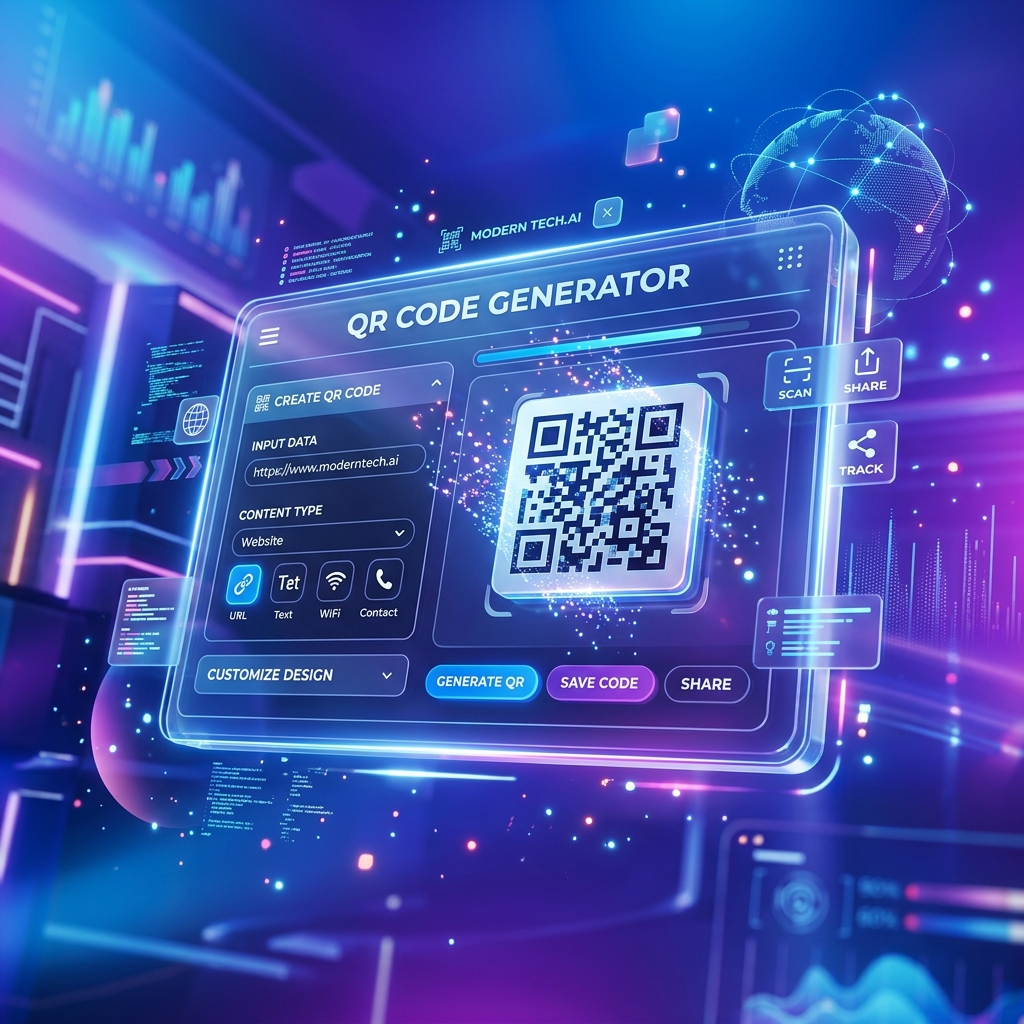
An example of a custom Instagram QR code generated with our tool.
Step 4: Style Your QR Code
Make the code truly yours with advanced design settings:
- Shape/Style: Switch from standard squares to "Modern Dots" or "Rounded Squares" for a softer, more contemporary look.
- Colors & Gradients: Move away from boring black. Choose a solid brand color or create a stunning linear gradient to make the code pop. Ensure there's good contrast between the foreground and background so scanners can read it easily.
Step 5: Verify and Export
Look at the Live Preview panel. You'll see our Scannability Checker running in the background. Once you see the green "Scannable!" alert, you're good to go.
Click the Export button to choose your preferred size (up to 2048px for print quality) and download it as a PNG, JPEG, or scalable SVG file. No watermarks. No required account creation. Just a perfect, high-quality QR code.
4. How We Compare: The NoStorePDF Advantage
If you've searched for a "QR code generator with logo" before, you've likely hit a frustrating paywall. Many tools lure you in, let you spend 10 minutes designing the perfect branded code, and then suddenly demand a subscription to remove their watermark or download it in high resolution.
Here is why our tool is the superior choice for your daily workflow:
- 100% Free Forever: No hidden fees, no premium tiers, no credit cards.
- No Sign-Up Required: We don't want your email address. You can generate and download instantly.
- No Watermarks: Your brand is your brand. We never stamp our name on your QR codes.
- Browser-Based Privacy: The entire generation process happens locally in your web browser. Your data (like vCard contact info or WiFi passwords) is never uploaded to our servers, ensuring absolute privacy.
- High-Resolution Vector Exports: Download in SVG format for infinite scaling on billboards, or grab a 2048px PNG for crisp brochure printing.
5. Brilliant Use Cases for Branded QR Codes
Not sure how to leverage your new custom QR codes? Here are a few high-impact scenarios:
- Restaurant Menus: A QR code featuring your restaurant's logo on table tents creates a premium dining experience and reassures customers they are accessing the official menu.
- Networking & Business Cards: A vCard QR code with your company logo allows connections to save your details directly to their phone instantly, without typing a single digit.
- Retail Packaging: Add a QR code to your product labels that links to setup instructions, warranty registration, or a video tutorial.
- Event Management: Share WiFi credentials at your conference via a branded WiFi QR code at the registration desk.
- Social Media Growth: Place an Instagram or TikTok branded QR code on your storefront window to drive foot traffic directly to your digital profiles.
Conclusion
Creating a QR code with your logo shouldn't be complicated, expensive, or risky. By utilizing modern error-correction technology and an intuitive, privacy-first design interface, you can generate beautiful, highly scannable branded codes in seconds.
Ready to elevate your marketing materials? Try our completely free QR Code Generator today and see the difference a logo makes.